TechPixlEveryday tech, in focus.
THE TECHPIXL ARCHIVE

More useful reading.

Buying guides for your home, your work and everything in between.

Laptop or Desktop? Choosing a Computer the Whole Family Can Share

Computing & Workspaces

A shared household computer needs a fair place to live, separate accounts, comfortable controls, and a schedule before it needs the fastest processor.

Choose a desktop when the family can give the computer a dependable shared workspace, and choose a laptop when changing rooms is a genuine household requirement. TechPixl Editorial would budget for separate user accounts, suitable input devices, backup, and support alongside the machine. Neither shape resolves conflicting schedules, so establish who needs access and when before deciding what to buy.

Read the buying guide →Practical advice

A Portable Speaker for the Kitchen and Outdoors: Read Water Resistance Carefully

Audio & Entertainment

Choose a portable speaker around stable placement, cleaning instructions, dry charging, and the exact limits behind its dust and water-resistance rating.

For a speaker that moves between a kitchen counter and an outdoor table, prioritize documented dust and water resistance, stable placement, usable controls, and a dry charging routine. TechPixl Editorial would treat a rating as protection under specified conditions, rather than permission for careless exposure. The JBL Flip 6 is an example with published IP67 information, not a claim that we have tested it against kitchen spills or outdoor accidents.

Read the buying guide →Practical advice
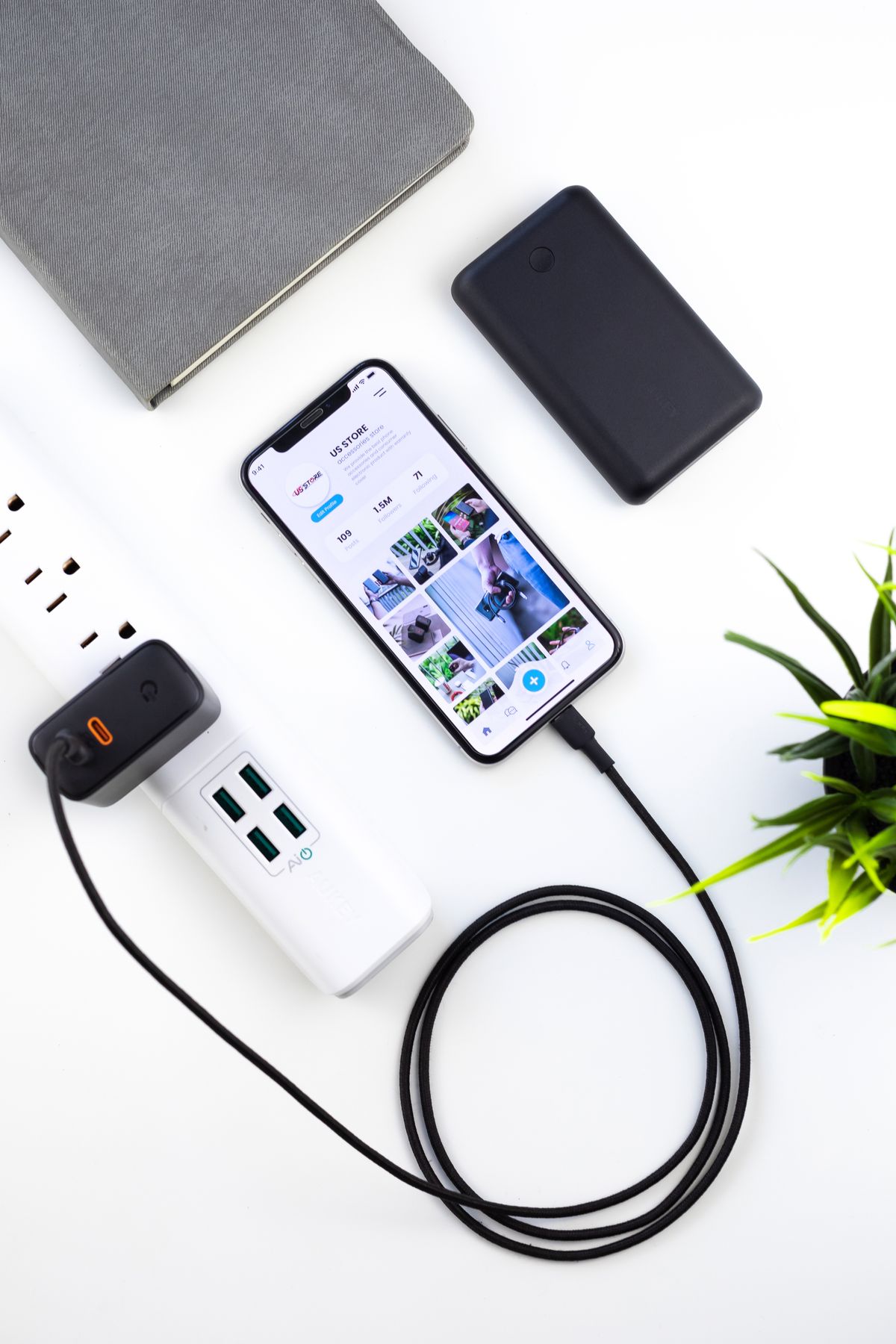
How to Choose a USB-C Charger for a Shared Family Home

Phones & Accessories

A practical guide to a family charging station: choose useful ports, understand shared power, and keep phones, tablets, and a work laptop ready.

For a kitchen charging point, prioritize enough useful USB-C ports, a clear simultaneous-output chart, and cables that reach the actual landing place for devices. A compact desktop charger can suit a family better than a heavy wall adapter. Buy additional laptop power only if a laptop really joins the nightly queue; otherwise, separate phone charging may be simpler and easier to share.

Read the buying guide →Practical advice
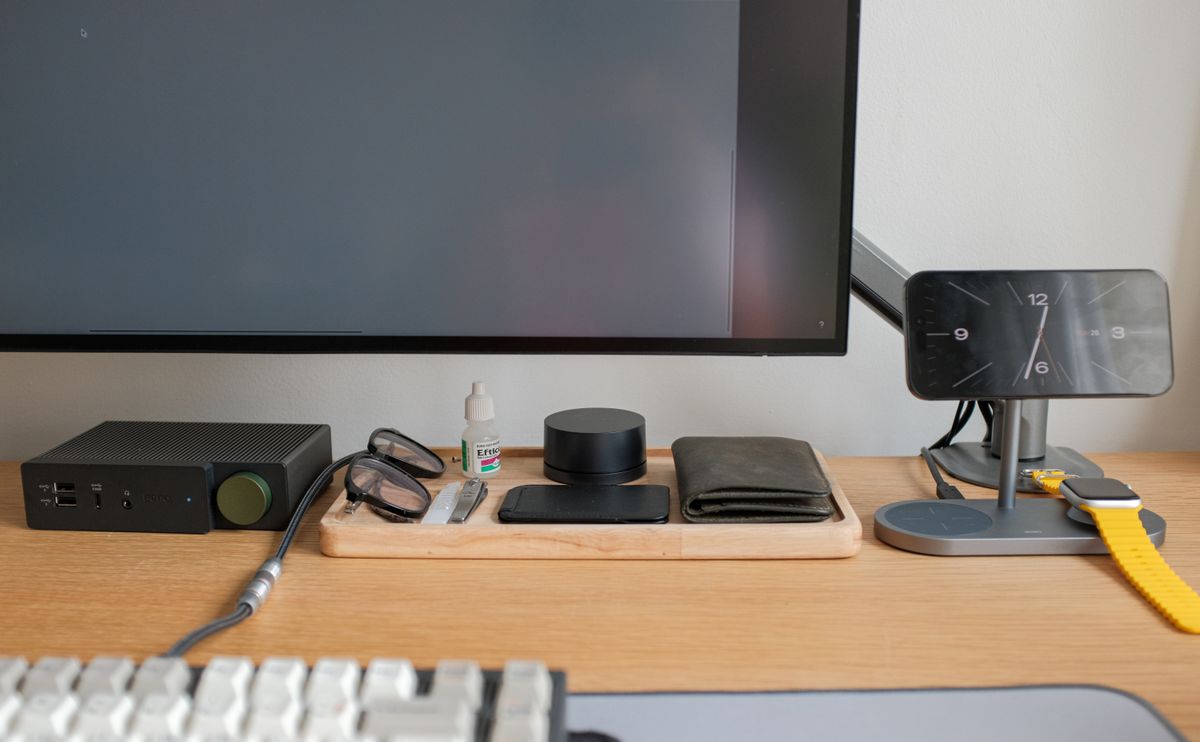
Choose a Hybrid Work Laptop Around the Day You Actually Have

Computing & Workspaces

From a crowded train to an afternoon of video calls, hybrid work rewards the right keyboard, ports, portability, and software fit more than a flashy badge.

For mixed home and office work, begin with required software and employer policies, then prioritize comfortable input, sensible carrying weight, and the connections you use every day. Our practical starting point for ordinary multitasking is 16GB of memory, subject to your applications' requirements. Spend more only where a specific workload justifies it, and include the charger, dock, and support arrangement in the comparison.

Read the buying guide →Practical advice

Headphones or Earbuds? Build a Better Daily Commute

Audio & Entertainment

Choose commuter audio around your actual journey: crowded trains, walking breaks, office calls, pocket space, and the fit you can comfortably wear every day.

Choose earbuds when pocketability and frequent removal matter most, and over-ear headphones when longer seated listening makes their larger fit worthwhile. Neither shape guarantees comfortable noise cancellation or clear calls. TechPixl Editorial recommends deciding from your route and fit first, then comparing the exact model's published connections, controls, and charging requirements. These are purchasing judgments based on documentation, rather than hands-on test results.

Read the buying guide →Practical advice

Mesh Wi-Fi or One Good Router? Start with Your Floor Plan

Smart Home

Choose between a single router and mesh Wi-Fi by mapping dead zones, router placement, wired backhaul, home-office calls, and the internet plan you already pay for.

A single well-placed router is a sensible starting point for a compact home; mesh becomes useful when the floor plan leaves persistent coverage gaps and there are viable places for additional nodes. TechPixl Editorial recommends measuring the problem before buying. Mesh distributes network access, but it cannot automatically fix a slow incoming connection, a faulty device, or poor placement of every unit.

Read the buying guide →Practical advice

Build a Travel Charging Kit That Fits the Trip

Travel & Everyday Gear

Choose a compact charger, useful cable lengths and the right plug adapter for hotel rooms, train journeys and working away without packing every accessory.

Build around the most demanding device you actually carry, then check what happens when other devices share the charger. A compact multiport USB-C charger is a sensible starting point for laptop trips; a smaller single-port model can be enough for phone-only weekends. Spend on compatibility and cable reach before paying for a screen or the highest advertised wattage.

Read the buying guide →Practical advice
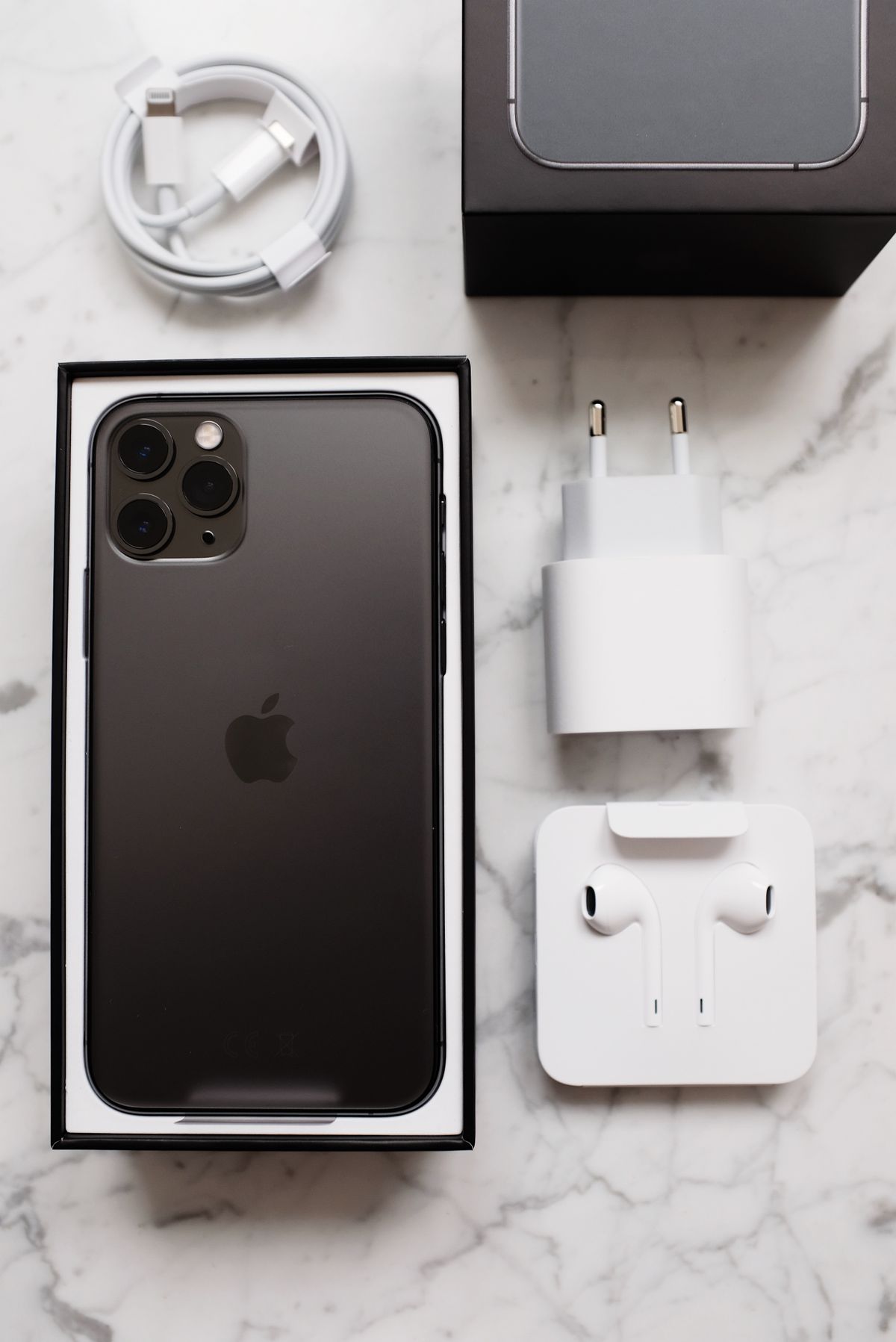
USB-C Cables: When Charging Speed and Data Speed Need Different Choices

Phones & Accessories

The cable that charges your phone may not suit a large photo transfer. Learn how to shop for power, data speed, length, and everyday convenience.

Choose a charging cable by its supported power and usable length, then choose a transfer cable by the slowest relevant port and the files you move. Many households need one clearly labeled high-speed cable rather than a drawer full of premium leads. Verify the exact specifications; the USB-C connector shape and a high wattage claim do not establish the cable's data performance.

Read the buying guide →Practical advice