A shared household computer needs a fair place to live, separate accounts, comfortable controls, and a schedule before it needs the fastest processor.
Our advice is based on published information and the use cases explained below. Manufacturer links in this guide are ordinary links, not paid placements. How links work.
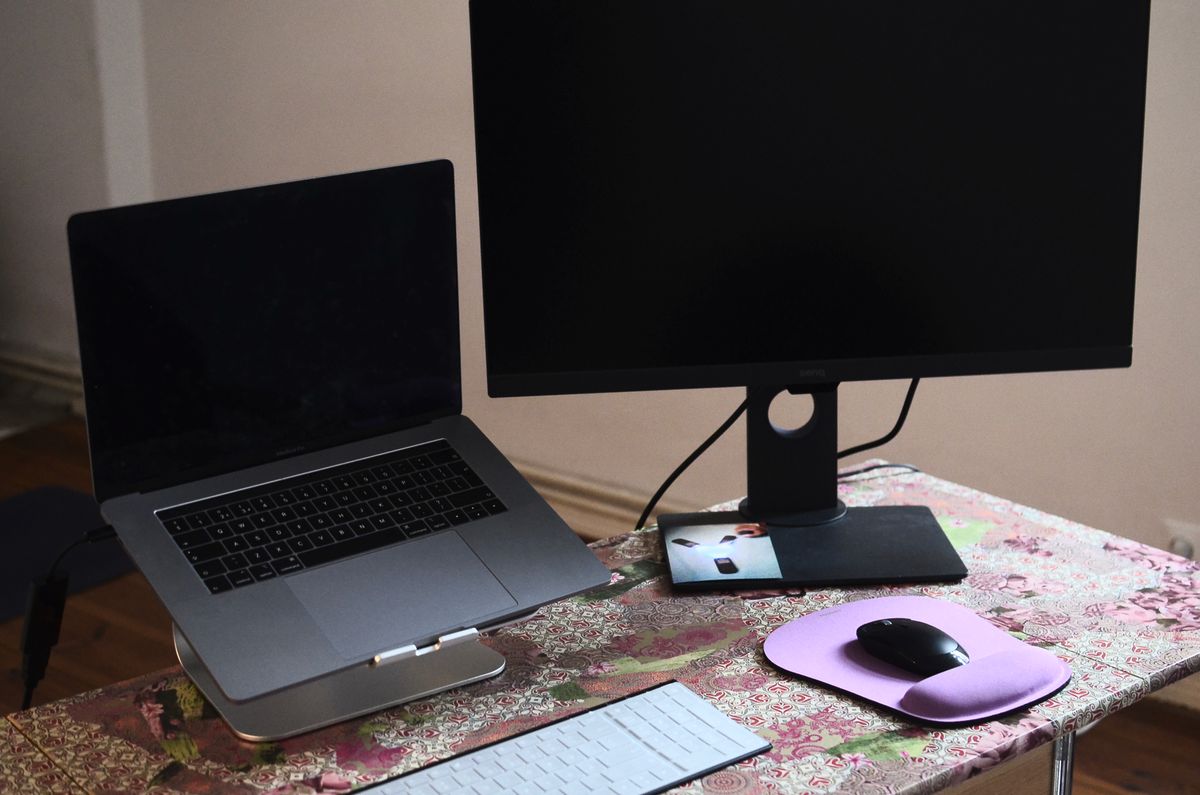
Choose a desktop when the family can give the computer a dependable shared workspace, and choose a laptop when changing rooms is a genuine household requirement. TechPixl Editorial would budget for separate user accounts, suitable input devices, backup, and support alongside the machine. Neither shape resolves conflicting schedules, so establish who needs access and when before deciding what to buy.
Start with the household timetable
At six in the evening, one person may need a homework website, another may want to complete a job application, and a third may be waiting to manage household paperwork. Buying a more powerful computer does not allow those people to use its keyboard independently at the same time. Before choosing a shape, write down the busiest shared period and decide whether one machine genuinely meets the schedule.
Identify the person with the least flexible task. A scheduled class or appointment deserves more planning than a casual browsing session that can wait. If conflicts are routine, a modest shared desktop plus an existing device for simpler tasks may be more useful than one expensive laptop. The goal is predictable access to the right applications, rather than making a single purchase satisfy an impossible timetable.
Buy the complete physical setup
Price a desktop with its necessary display, keyboard, pointing device, camera, and audio equipment. Check what the exact package includes; a small computer on a retailer's page may require several separate purchases. Reusing a monitor can help, provided its inputs, condition, and positioning suit the new computer. Include cable routes and usable desk space when judging the value of the arrangement.
A laptop may also need accessories for longer sessions. A suitable external keyboard and display arrangement can make a shared desk more flexible, but they add cost and setup steps. Consider different users' reach, eyesight preferences, and familiarity with controls. A comfortable, adjustable workstation that everybody understands can do more for everyday satisfaction than a performance upgrade nobody's tasks require.
Give people their own account
Microsoft and Apple both document separate user accounts for a shared computer. Those accounts provide a practical way to organize individual settings and files. Plan this at setup rather than letting everyone accumulate bookmarks, downloads, and signed-in services inside one profile. Confirm the software you need supports the household's intended arrangement and check account or subscription terms where access is licensed individually.
Account separation is not a substitute for thoughtful administration. Decide who installs applications and maintains updates, and use appropriate permissions for each person. Microsoft distinguishes switching accounts from signing out: switching can leave a session running. Teach a simple handover habit, including saving work and protecting access to personal services. Keep recovery information available to the appropriate account owner rather than relying on one person's memory.
Match performance to the actual family workload
List school portals, office applications, video calls, creative tools, and any games separately. A computer that handles ordinary browsing may not meet a specific game's or course application's requirements. Read those requirements before choosing the operating system and hardware. A familiar logo or a large storage figure does not establish that required software will install or that a classroom accessory has supported drivers.
Multiple profiles can also create a storage-management problem as each person downloads files and media. Agree on where important documents belong and how they are backed up. Avoid paying for a gaming configuration merely because one person occasionally expresses interest, unless its additional cost and power use have a clear purpose. Equally, do not underbuy a machine that a household member needs for a documented, recurring workload.
Plan maintenance as a household responsibility
Check service availability, replacement accessories, and the support process before checkout. A desktop and a laptop can both require repairs, but the practical consequences differ: taking away the only shared device interrupts every user. Keep essential documents recoverable and know which alternative device could handle an urgent form or assignment. A backup routine is useful regardless of whether the hardware is easy to move.
TechPixl Editorial would choose the fixed desktop when shared access and a prepared workstation are the strongest needs. Choose the laptop when moving rooms solves a recurring constraint and the family will maintain a clear storage and charging routine. Use official account guidance to prepare the handover, then spend on the exact hardware and accessories that support it. A fair, understandable setup has lasting value beyond its first week.
Choose for the way you use it
| Household situation | Consider | Ownership tradeoff |
|---|---|---|
| A dedicated shared desk | Desktop with a suitable monitor | Requires permanent space and complete peripherals |
| Rooms change purpose through the day | Laptop with a clear home position | Needs charging, storage, and a return routine |
| People need access simultaneously | Schedule changes or a second suitable device | One faster machine does not solve the conflict |
Before you buy
- Map the household's busiest computer-use period.
- Price the display, camera, keyboard, and other necessary accessories.
- Verify required applications before choosing an operating system.
- Prepare separate accounts and a backup routine.
Common questions
Does every family member need a separate computer?
No. A shared machine can work when schedules and application needs are compatible. Regular simultaneous use may justify an additional suitable device.
Are separate user accounts worth setting up?
Yes. They help organize personal settings and files. Appropriate permissions, sign-in protection, and recovery planning still matter.
Sources & further reading
Official information consulted October 19, 2026. Buying recommendations and use-case judgments are TechPixl editorial analysis.