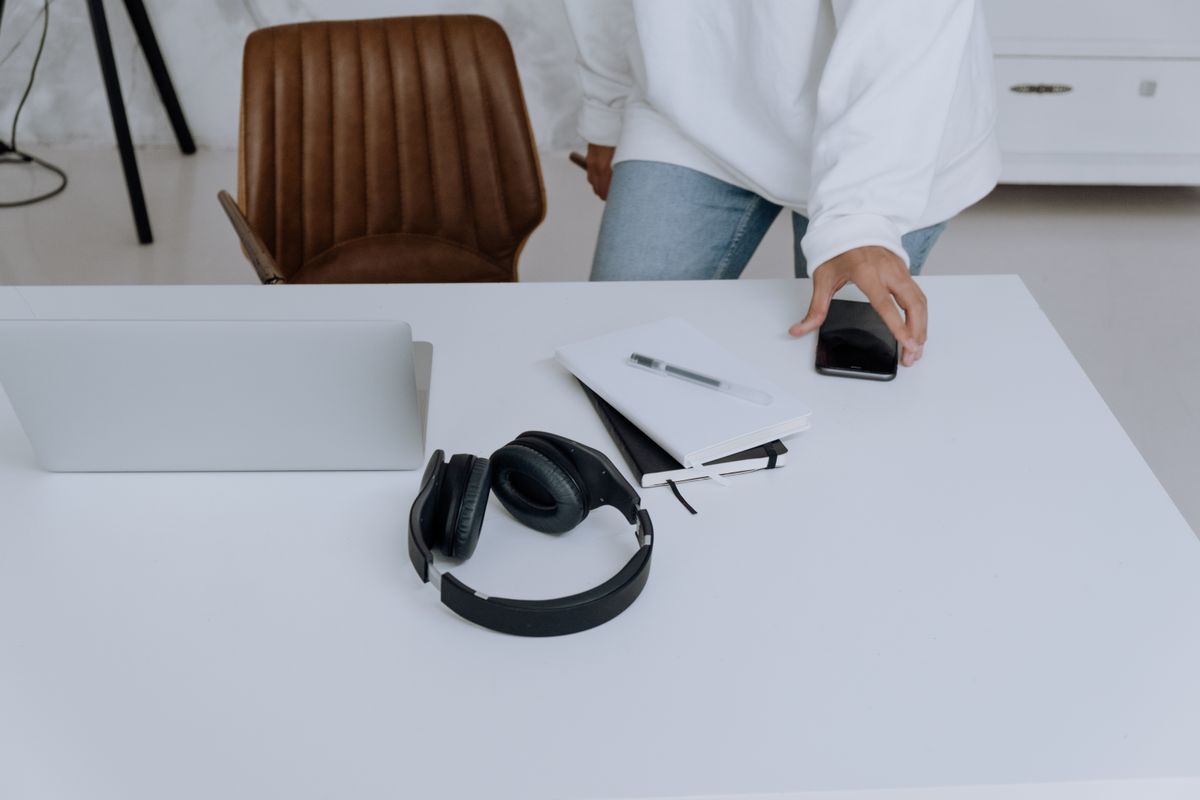
Keep work audio and a personal phone manageable by checking true simultaneous connections, call priority, app requirements, and the exact handover behavior.
Our advice is based on published information and the use cases explained below. Manufacturer links in this guide are ordinary links, not paid placements. How links work.

Multipoint is worth considering when you regularly alternate between computer audio and a phone, but verify the exact model's simultaneous-connection behavior before buying. TechPixl Editorial would prioritize understandable handovers and comfortable calls over a headline Bluetooth version. The recommendations here interpret manufacturer documentation; they do not claim measured microphone quality or uninterrupted switching in every application.
Describe the interruption you want to solve
You are listening to a training video on a work laptop when your personal phone rings about a delivery. After the call, the video should be easy to resume without a visit to several settings screens. That is a useful reason to consider multipoint. It is more specific than wanting headphones that 'connect to everything,' and it gives you a repeatable situation to check during the return window.
List the two devices that matter most, including their operating systems and whether work policies restrict applications or Bluetooth accessories. A feature that depends on an app you cannot install may be inconvenient even when the headphones technically support it. If your routine involves only one device at a time, simple manual connection might already be adequate and save money better spent on comfort.
Pairing memory and simultaneous connection differ
A product can remember several paired devices without maintaining the two connections your routine requires. Look for an explicit manufacturer description of simultaneous connections. Sony's multipoint help guide describes enabling a connection to two devices and using it to switch music sources or wait for incoming calls. Read the applicable model's instructions instead of treating a broad phrase such as 'multi-device pairing' as a complete specification.
Also check the number of active connections. If you own a tablet in addition to the laptop and phone, establish how one device leaves the active pair and another joins it. Saving a third pairing is not the same as keeping three sources ready. Avoid buying around an imagined arrangement only to discover that every evening begins by disconnecting the computer you wanted to leave untouched.
Understand what causes audio to move
Multipoint should not be interpreted as a promise that two independent soundtracks will mix together. Check how the chosen model gives priority to calls and how it changes the playback source. Sony's support material for missing audio from a second connected device includes connection checks and playback troubleshooting. That is a useful reminder that a simultaneous link and an immediately audible second source are different parts of the experience.
During a practical compatibility check, pause the first source before starting the second and follow the maker's instructions. Try the applications you actually use, including the conferencing tool rather than only a music app. Note how the headphones recover after a call ends. Understand which changes happen automatically and which need a button, an app action, or a computer audio-output selection.
Read the feature tradeoffs for the exact model
A headphone's list of capabilities may depend on settings and connection modes. Read any restrictions associated with simultaneous devices, audio formats, app versions, or firmware. Do not transfer a limitation from an older model to a newer one, or assume that a premium product implements every advertised function together. The relevant specification is the combination you intend to use throughout the day.
Call controls deserve equal attention. Find out whether the headset has a reachable mute control, how incoming calls are answered, and what the conferencing application does when its audio device changes. A convenient phone handover can still be awkward in a long work meeting. If your employer requires a particular communications accessory, treat that requirement as part of the shortlist before shopping for a personal upgrade.
Comfort and charging still decide the daily value
Successful switching is less useful if you remove the headphones after half an hour because of pressure or heat. Compare adjustment, earcup or tip replacement options, and the retailer's policy for opened personal-audio products. If you wear glasses, plan to evaluate comfort with them. Avoid assuming that a larger price or a technical connection feature predicts how the product will feel during an ordinary meeting.
Consider where charging happens and whether the headphones can support your actual fallback routine when the battery is low. Wired playback, microphone support, and charging while in use differ by product, so verify rather than infer them from the presence of a cable. A separate simple wired headset may be a sensible backup for important calls, especially when losing audio would interrupt someone else's scheduled time.
Buy with a two-device checklist
Before checkout, record the exact headphones, your two primary sources, required application access, and any simultaneous-mode restrictions. Use the manufacturer's official guide to confirm setup steps and identify the controls you will use. Check the seller's return terms so you can evaluate your own devices without assuming that a successful demonstration with a different phone proves your work setup will behave the same way.
TechPixl Editorial would pay extra for multipoint when repeated manual reconnection is a real daily frustration. Keep your existing pair if switching is rare or workplace restrictions defeat the convenience. The useful upgrade makes a known transition easier, with a clear fallback when a call or application behaves differently. Official model-specific instructions should guide the purchase more than a generic claim of seamless connectivity.
Choose for the way you use it
| Routine | Feature to verify | Potential compromise |
|---|---|---|
| Computer video and phone calls | Two simultaneous connections and call priority | Application behavior still needs checking |
| Laptop, phone, and tablet | How the active pair is changed | Remembered devices may exceed active connections |
| Managed work computer | Permitted setup and app requirements | Some features may be inaccessible |
Before you buy
- Confirm explicit simultaneous-device support for the exact model.
- Check restrictions in the connection mode you intend to use.
- Try real conferencing and playback applications during the return window.
- Learn a simple fallback for important calls.
Common questions
Does remembering two devices prove headphones support multipoint?
No. Look for an explicit simultaneous-connection specification and read the setup guide for that model.
Will multipoint mix laptop music and phone audio together?
Do not assume so. Check the documented playback and call-priority behavior. Many buying scenarios require switching between sources rather than mixing them.
Sources & further reading
Official information consulted October 19, 2026. Buying recommendations and use-case judgments are TechPixl editorial analysis.