Start a useful smart-plug setup with a lamp and a realistic routine, then check appliance behavior, outlet fit, electrical ratings, and platform compatibility.
Our advice is based on published information and the use cases explained below. Manufacturer links in this guide are ordinary links, not paid placements. How links work.
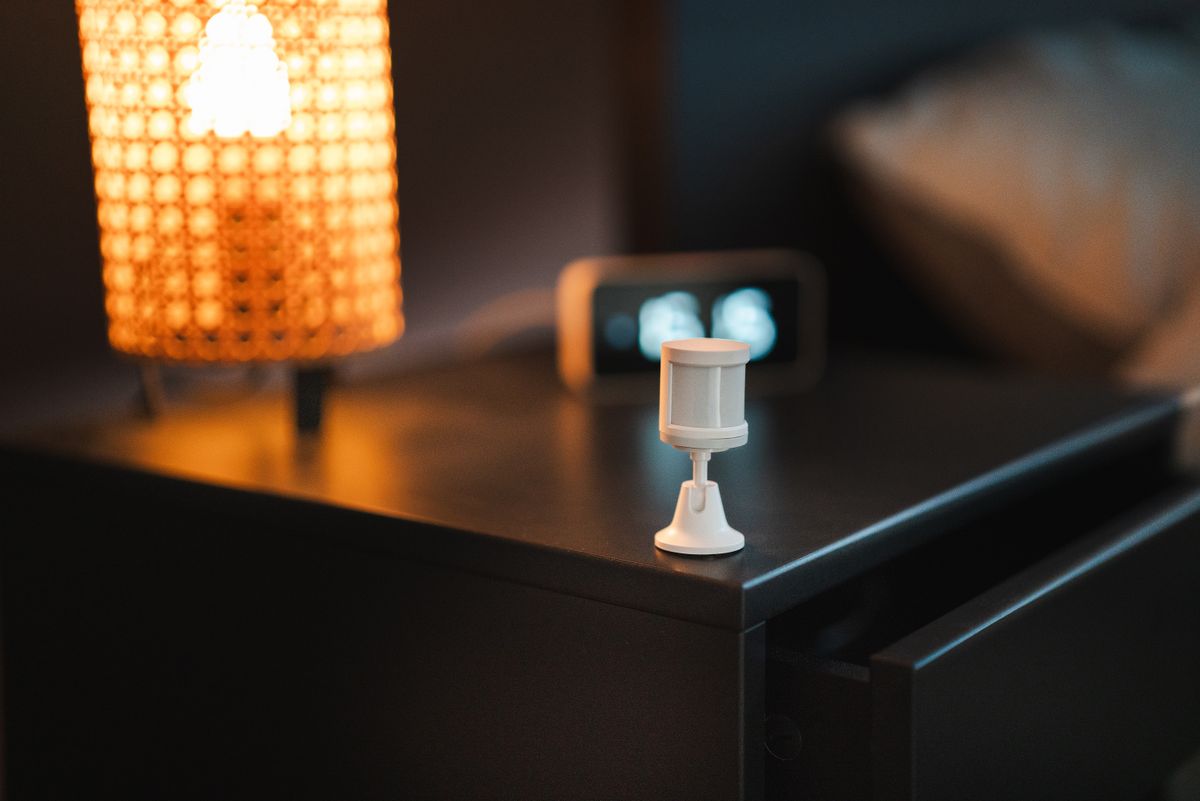
A smart plug makes the most sense when it gives an ordinary lamp a useful schedule or remote on-off control without permanent alterations. TechPixl Editorial recommends starting with one compatible low-demand device and verifying the plug's regional electrical rating. It does not add full smart controls to every appliance, and a bundle is poor value if you have not identified useful places for it.
Choose a routine before buying a multipack
A reading lamp that turns on before an evening class is a clear first use. So is switching off a decorative light after bedtime. These are small, understandable routines that make it easy to judge whether connected control helps. Buying four plugs first and looking for appliances later often produces a drawer of unused hardware and several unnecessary app notifications.
Start with one outlet and one task. Keep an ordinary way to control the device available to everyone in the apartment. If the only person who knows how to turn off the lamp is the person who installed the app, the setup has made a simple household object harder to use.
Check how the appliance responds to power
A smart plug controls power; it does not necessarily press an appliance's digital start button or select a mode. Check the appliance manual and manufacturer guidance before planning a routine. A lamp with a suitable mechanical switch may return to its previous state when power is restored, while another device may remain off until someone touches its controls.
Avoid treating remote switching as permission to operate an appliance unattended. Follow both the plug and appliance instructions, including any prohibition on external timers or remote control. If the use case is unsuitable, choose a purpose-built device or retain manual operation. Convenience should come from a compatible routine, not from bypassing the appliance's intended behavior.
Regional ratings and physical fit matter
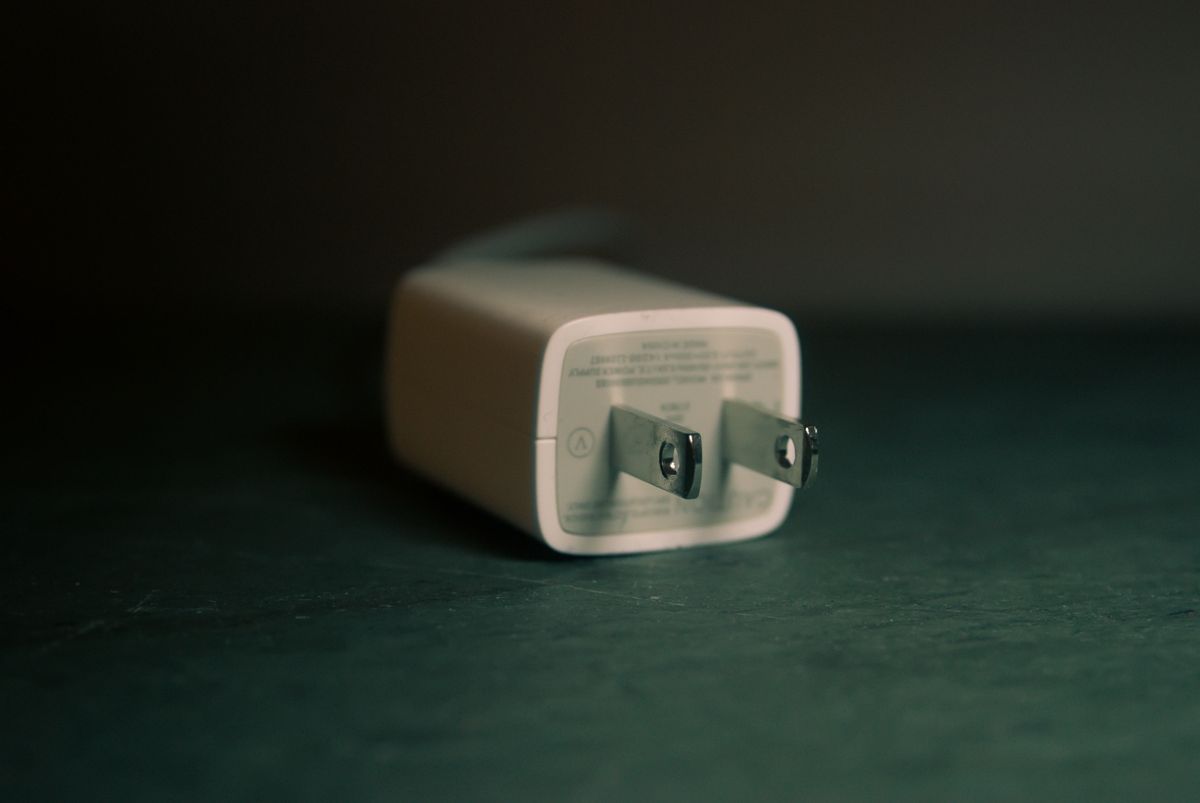
Match the plug to the country, supply, and socket where it will be used. TP-Link's US Tapo P125M page provides a specific electrical rating and load information for that product; it should not be assumed to describe a similarly named unit elsewhere. Check the exact model number and permitted load type, not just a prominent maximum-wattage figure.
Measure the available space around the wall outlet. A bulky unit may block a neighboring socket, interfere with furniture, or put stress on a cable. An inexpensive plug becomes less useful if you must rearrange the room to fit it. Avoid improvised adapters and install only as directed by the manufacturer.
Compatibility has more than one layer
The platform you use for everyday control, the plug's networking method, and its setup requirements are separate questions. The P125M documentation lists its own Wi-Fi and platform arrangements. Matter is designed to support interoperability, but you should still verify your intended controller, the functions exposed in your preferred app, and the setup process before buying.
Do not assume that every feature in a manufacturer's app appears in every other platform. Basic on-off control, schedules, energy monitoring, and advanced automations can have different requirements. Buy the feature you can verify for your actual combination rather than a general promise that the product works with everything.
Buy one useful habit, then expand
A single plug is enough to learn whether schedules, app controls, or a voice command fit your household. Expand only after the first use has become useful and reliable. If you mainly want dimming or color control, a smart bulb may be a better match; an on-off plug will not add those functions to an ordinary bulb.
Before checkout, confirm ratings, outlet clearance, controller requirements, and the exact included features. TechPixl Editorial would choose a modest first installation with a clear manual fallback over a large package of theoretical automations. The value comes from a routine you repeat, not the number of connected outlets displayed on a dashboard.
Choose for the way you use it
| Use case | Look for | Tradeoff |
|---|---|---|
| Reading lamp schedule | Compatible on-off behavior and manual button | No dimming from a basic plug |
| Shared apartment | Simple physical control and shared access | Account setup needs planning |
| Portable renter setup | Regional fit and removable installation | May not suit another country's sockets |
Before you buy
- Check the appliance manual permits the intended switching routine.
- Match regional voltage, socket, and load ratings.
- Measure clearance around neighboring outlets.
- Verify which features appear in your preferred platform.
Common questions
Can a smart plug dim an ordinary lamp?
A basic on-off smart plug cannot. Use equipment specifically designed and rated for dimming, with compatible lamps and bulbs.
Does Matter mean all app features are identical?
No. Check the basic supported controls and any manufacturer-specific extras separately for your controller and device.
Sources & further reading
Official information consulted October 19, 2026. Buying recommendations and use-case judgments are TechPixl editorial analysis.