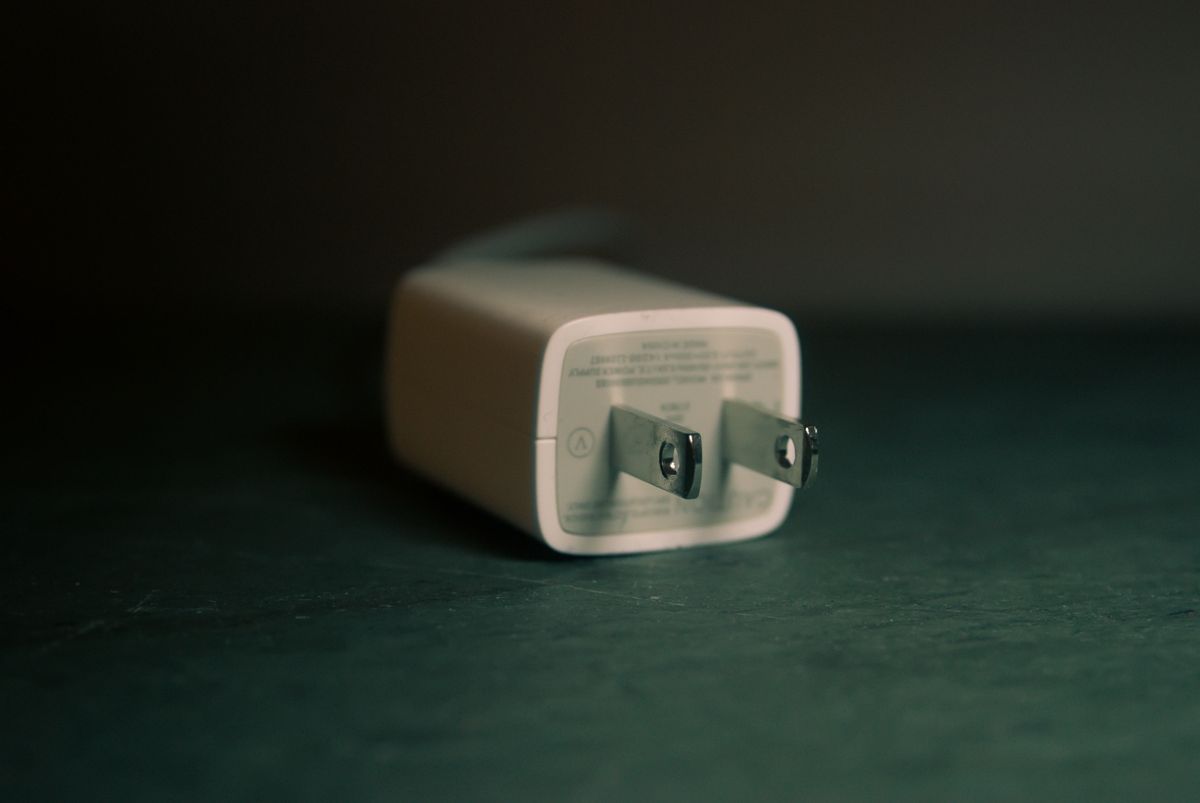
Choose a compact charger, useful cable lengths and the right plug adapter for hotel rooms, train journeys and working away without packing every accessory.
Our advice is based on published information and the use cases explained below. Manufacturer links in this guide are ordinary links, not paid placements. How links work.

Build around the most demanding device you actually carry, then check what happens when other devices share the charger. A compact multiport USB-C charger is a sensible starting point for laptop trips; a smaller single-port model can be enough for phone-only weekends. Spend on compatibility and cable reach before paying for a screen or the highest advertised wattage.
Start with the evening you need to power
Imagine arriving at a hotel with a laptop nearly empty, a phone needed for tomorrow's tickets and earbuds still in their case. The problem is simultaneous charging from a limited number of outlets. Write down the devices that need power overnight and those that must charge while you use them. These are different demands, and separating them can make the kit considerably smaller.
For a short city break, a phone and earbuds may comfortably take turns on one charger. A business trip with a video meeting after arrival creates a stronger case for several ports. Include a watch's proprietary charging puck if required. Buying a powerful brick will not help if the one accessory you forgot needs a connector that none of your cables provide.
Read the port combinations, not just the headline
USB Power Delivery allows compatible devices and chargers to negotiate power. That does not mean every USB-C port on every product delivers the same output. Read the manufacturer's table for one device, two devices and all ports occupied. A headline total can conceal a lower laptop allocation when a phone is connected beside it. Match the combination you plan to use at the hotel desk.
Anker's charger collection offers filters for laptop use, port type and number of ports, which are more useful starting points than a claim that one model is universally best. Compare the actual dimensions and plug orientation, too. A wide charger can obstruct the neighboring socket; a heavy one may be awkward on a loose wall outlet. These are practical selection questions, not measured findings from TechPixl testing.
Choose two cable lengths with clear jobs
A short cable keeps a power bank and phone together in a bag. A longer cable is more useful when the socket sits behind furniture or the only free outlet is low on a wall. Carrying identical short cables can look tidy in a pouch yet make the kit frustrating in a real room. Assign each cable a job before deciding how many to pack.
Check the cable's stated power rating against your laptop and charger requirements. The USB-C shape alone is not a specification for charging power, data transfer or display support. If one cable will also connect storage or a monitor, verify those capabilities separately. Keep a spare for the device that matters most, rather than duplicating every cable merely because an organizer has room for them.
Separate the plug adapter from the charger
For international travel, inspect the charger's input label and the destination's outlet type before departure. A plug adapter changes the physical connection; it does not automatically convert voltage. A universal adapter can be convenient across several countries, but dedicated adapters can take less space on a single-destination trip. Avoid assuming that a travel accessory's USB sockets replace a properly specified laptop charger.
Sketch the whole connection from wall to device. Does a folding plug stay accessible? Can the adapter carry the charger's shape without blocking a switch? Will you need to charge at a café where the outlet is recessed? These questions help expose an impractical stack of adapters before you buy. For unusual equipment, follow its manufacturer instructions rather than extrapolating from the behavior of your phone.
Buy the missing piece, then rehearse the kit
Lay out what you already own and try charging your travel devices together at home. Check that each device reports charging and that the layout leaves enough cable slack for normal use. This rehearsal is a compatibility check you can perform; it is not evidence that a charger meets its advertised output. Keep receipts and use the seller's return terms if the physical arrangement does not suit your equipment.
Our purchasing priority is a compatible charger first, an appropriately rated main cable second, and organization last. Skip a larger charger if your computer stays home. Skip a cable bundle if only one cable is missing. The manufacturer's catalog linked below is a place to compare current configurations and availability. Read the individual product's output matrix before choosing, because family names and similar-looking cases can hide meaningful differences.
Choose for the way you use it
| Use case | Look for | Tradeoff |
|---|---|---|
| Phone-only weekend | Compact charger and one useful spare cable | Fewer simultaneous charging options |
| Laptop work trip | Published multiport power allocation | More capacity adds bulk |
| Several countries | Compatible input and destination plug adapters | Universal adapters can be larger |
Before you buy
- List every connector, including the watch charger.
- Read the output matrix with laptop and phone connected together.
- Check the main cable's power rating and needed length.
- Confirm input voltage and each destination's outlet type.
Common questions
Does a higher-wattage charger force extra power into my phone?
Compatible USB Power Delivery devices negotiate their requirements. Buy for verified compatibility rather than assuming a larger number automatically improves phone charging.
Should I replace every USB-A accessory?
No. If an existing accessory still works well, keeping an appropriate cable or a charger with a useful USB-A port may be simpler than replacing it for visual consistency.
Sources & further reading
Official information consulted October 19, 2026. Buying recommendations and use-case judgments are TechPixl editorial analysis.