School forms, returns, and the occasional document need a different printer from a busy office. Compare useful features, supplies, space, and ownership cost.
Our advice is based on published information and the use cases explained below. Manufacturer links in this guide are ordinary links, not paid placements. How links work.
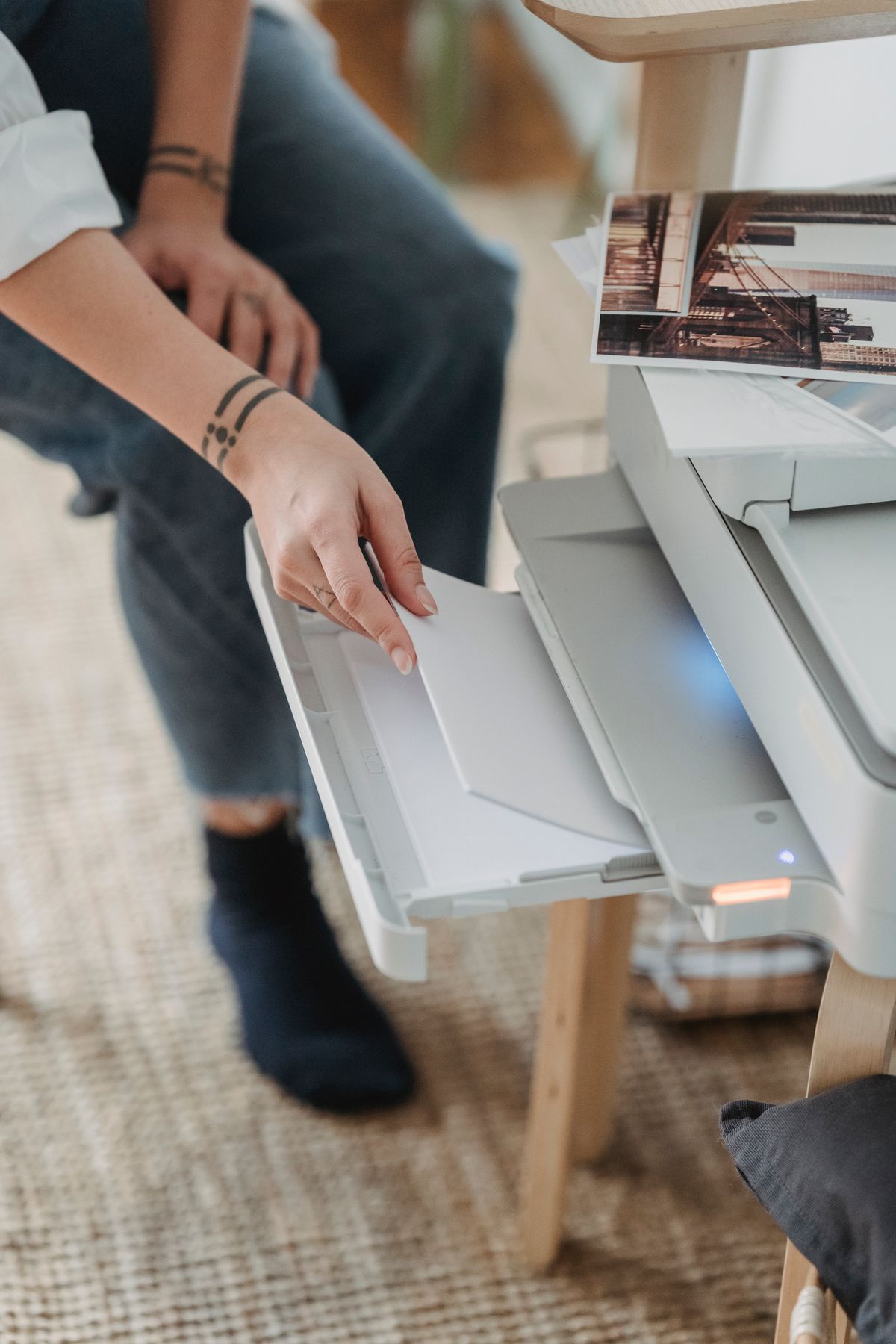
For mostly black-and-white forms and labels, begin by comparing compact monochrome laser printers with clear supply costs and the connections you need. Choose an inkjet when regular color or photo output is a genuine requirement. If printing happens only a few times a year, a local service may be the better purchase decision. Budget for replacement supplies and usable shelf space, not just the printer.
Count the pages and the emergencies
A home printer often earns its place during an awkward moment: a school form before breakfast, a return label before the collection deadline, or a document needed for an appointment. Count those situations and estimate how many pages you actually print. The convenience of immediate access may be valuable even when annual page volume is low, but the purchase should reflect that reality.
Separate essential at-home jobs from ones you can easily outsource. A handful of photo prints may be better ordered from a photo service, while time-sensitive monochrome documents justify a small home machine. If a nearby library or print shop covers everything comfortably, choosing not to own a printer can save both money and the space a rarely used device occupies.
Choose output type before comparing features
Brother's comparison describes laser printers as a fit for sharp text and inkjets as useful for color and photographic work. Use the type of pages you need as the first filter. A monochrome laser cannot produce color school projects, while a color machine adds complexity and consumables that are unnecessary if everything important is plain text.
Do not assume every inkjet or laser model behaves the same way. Check the specific printer's maintenance instructions, supply arrangement, and intended workload. For occasional use, the cost and effort of keeping the printer ready matter alongside the page output. Avoid buying a high-volume office model simply because its advertised speed sounds reassuring for a household that normally prints two pages.
Price replacement supplies before checkout
Look up the exact cartridge, toner, drum, or bottle identifiers and their current replacement costs. Check what is included in the box and whether it is a starter supply. Compare published yield conditions rather than treating them as an exact prediction for your own documents. A low printer price can conceal an inconvenient supply arrangement later.
Read subscription offers carefully. A plan can be useful for predictable printing, but check page limits, rollover rules, cancellation behavior, and what happens to subscription supplies afterward. Do not let a short introductory offer determine a device you may keep for years. Save the model's supply information with the purchase receipt so the next order is straightforward.
Decide whether scanning belongs in the same box
An all-in-one printer is useful if you regularly copy signed forms or scan multiple pages. An automatic document feeder matters for stacks of paperwork; a flatbed may be sufficient for occasional single sheets. Check whether double-sided scanning and double-sided printing are separate features, since a listing can highlight duplex capability without meaning both operations.
For rare receipt scans, a phone's document-scanning workflow may be adequate and lets you choose a smaller print-only machine. Try that method before paying for hardware you will scarcely use. If precise document handling, thick originals, or a repeatable office process matters, a dedicated scanner arrangement may still be worth the space. Follow the actual paperwork rather than the longest feature list.
Measure the printer when it is working
A printer that fits a shelf while closed may need more clearance for paper input, output, or the scanner lid. Check operating dimensions and the cable route. Keep paper stored appropriately and allow the access described in the manual. A cramped cupboard can make an otherwise compact printer frustrating every time a sheet needs attention.
Confirm printing from the household's actual devices. Check the operating systems, wireless setup requirements, and whether a direct USB connection would be a useful fallback. A printer's Wi-Fi logo does not describe every installation detail. If you use work equipment, employer restrictions may affect software installation or network access, so verify that before buying for home office documents.
Check the whole job during setup
After delivery, print a representative document from each device that needs access. Try scanning if included, and check double-sided output if it was part of the reason for purchase. Keep a note of the supply identifiers and follow the maker's routine maintenance guidance. A successful setup should leave the next household user able to print without repeating the installation process.
Choose a compact monochrome laser for mostly text when its supply and support terms make sense; choose an appropriate inkjet when you genuinely need its color output. Pay for an all-in-one only when copying and scanning solve a recurring problem. The best occasional-use printer is one whose readiness, cost, and footprint remain acceptable between the moments when it is suddenly needed.
Choose for the way you use it
| Use case | Look for | Tradeoff |
|---|---|---|
| Mostly forms and return labels | Compact monochrome laser and clear supply costs | No color output |
| Regular color projects or photos | Suitable inkjet and compatible media | Maintenance and color supplies need attention |
| A few prints each year | Convenient local printing service | Less immediate access at home |
Before you buy
- Estimate real page volume and time-sensitive jobs.
- Check replacement supplies and included starter quantities.
- Measure paper-tray and lid clearance during operation.
- Verify printing from every required household device.
Common questions
Is the cheapest printer the best choice for low usage?
Not necessarily. Compare supply costs, maintenance, subscriptions, and the space it needs. A local printing service may be preferable for very rare use.
Does duplex mean it scans both sides automatically?
Not always. Double-sided printing and double-sided scanning are separate functions. Check the exact model's specifications for the task you need.
Sources & further reading
Official information consulted October 19, 2026. Buying recommendations and use-case judgments are TechPixl editorial analysis.