Match a laptop backpack to train platforms, office desks and rainy walks by checking device fit, loaded comfort and access before choosing extra capacity.
Our advice is based on published information and the use cases explained below. Manufacturer links in this guide are ordinary links, not paid placements. How links work.
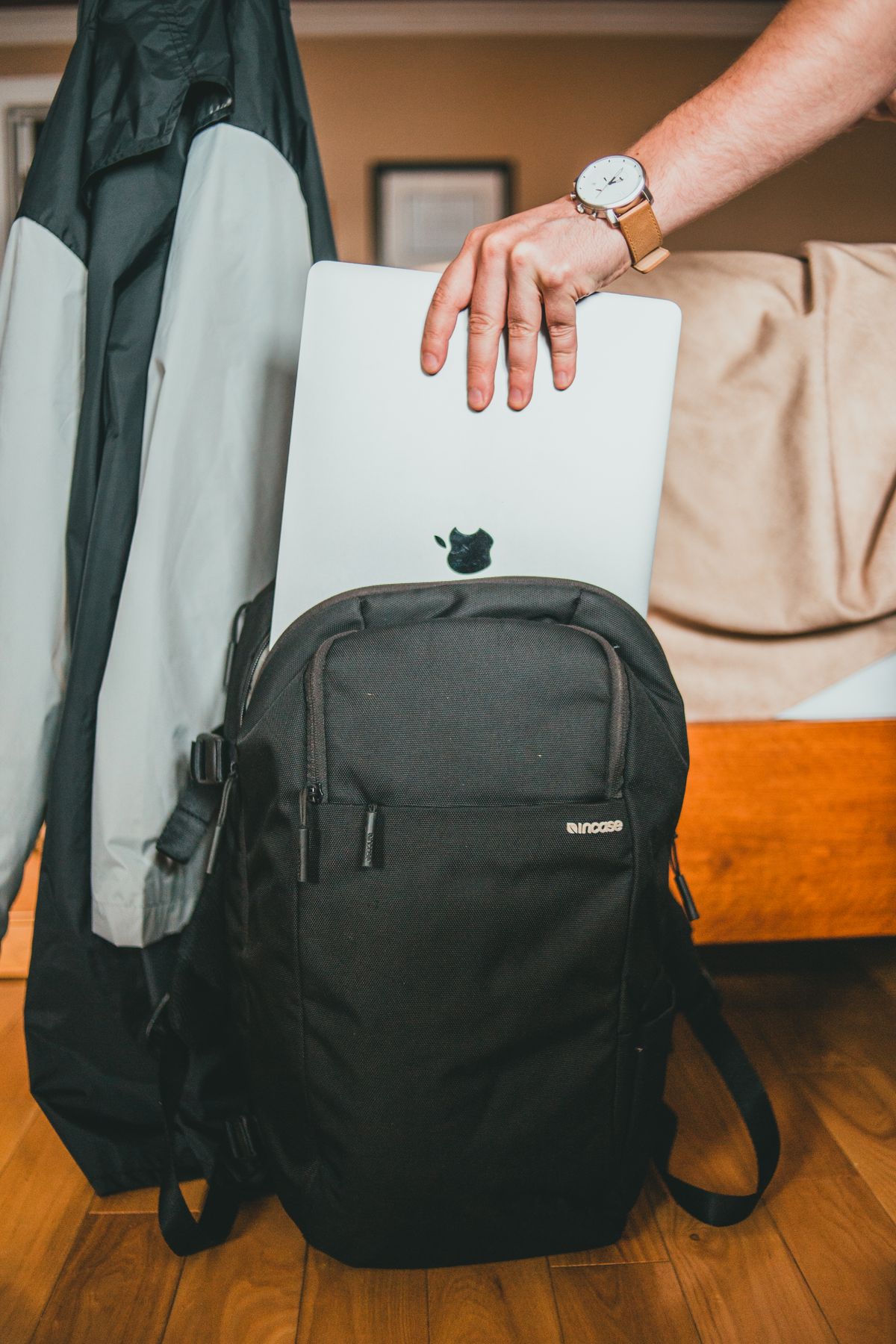
Choose a backpack around your laptop's physical measurements and the load you carry most days. Easy access, stable bottle storage and comfortable straps can matter more than a long feature list. A larger travel pack is useful when work and overnight clothing share one bag, but a smaller daily bag may be easier on crowded transport. Evaluate comfort with your own packed equipment before committing.
Your route is the buying brief
A commuter who walks to a train, stands for several stops and finishes with a rainy walk has different needs from someone carrying a laptop between car and office. List the difficult moments on your route. These might be retrieving a pass with one hand, fitting through a turnstile or setting the bag under a shared desk. The right backpack should solve those repeated moments without requiring a bigger daily load.
Pack the ordinary weekday inventory: laptop, charger, lunch, bottle, headset and a layer of clothing if needed. Then distinguish an occasional overnight trip from the normal commute. Choosing a bag large enough for your most ambitious journey can leave you carrying unnecessary structure every day. An expandable option may be worth comparing, but the compressed shape and access still need to work for the daily routine.
Check laptop dimensions rather than screen labels
A screen-size description is a useful starting point, but it does not define the laptop's width, depth and thickness. Check the device measurements, any protective shell and the bag's stated compartment limits. TOM BIHN publishes maximum laptop compartment dimensions for the Synik 30, illustrating the kind of detail to seek. A tight fit that stresses the zipper is not improved by a marketing label saying the computer should fit.
Compartment access also matters. A dedicated opening can make it easier to remove the computer without disturbing lunch and cables. A suspended sleeve can keep the machine away from the bottom of the bag, but still follow sensible handling practices. If the laptop is delicate or the bag lacks adequate separation, a separate sleeve may help; include its dimensions when checking fit rather than adding it after purchase.
Comfort depends on the complete load
Compare empty weights, strap layout and the intended fit, then try the bag with your normal equipment during the allowed return period. Walk, stand and reach for the objects you need. Thick-looking padding in a photo is not evidence that a bag will suit your body. Adjust the straps before deciding, and note whether the load pulls backward or feels awkward when you put the bag on over a coat.
A structured travel backpack such as the Synik 30 offers features that can be valuable for mixed commuting and trips, including a clamshell opening and luggage pass-through. A smaller daypack can be a more economical fit for a light load. Osprey's Daylite Plus demonstrates a different style with everyday and outdoor priorities. These are contrasting starting points from published designs, not comparative comfort results from our own testing.
Plan access and weather around real objects
A bottle pocket must accommodate your actual bottle and keep it stable when the bag tilts. A quick-access pocket should hold what you reach for, whether that is a transit pass, keys or earbuds. Too many compartments can make you search several places for the same cable. Assign a small number of regular locations, and consider a removable tech pouch if your work equipment also moves between bags.
Water-repellent fabrics and zipper treatments are not automatically a waterproof system. Read the manufacturer's description carefully and consider how you will protect the computer during the weather on your route. A cover can help with some exposure but adds another item to manage. Keep a bottle separate from the computer wherever practical, and inspect the compartment arrangement instead of assuming an external bottle pocket eliminates every spill risk.
Buy capacity that earns its place
For a daily laptop and modest lunch, prioritize shape and carry over travel-oriented extras. For regular overnight work trips, a larger opening and separate organization can justify more volume. Compare the dimensions with your employer's storage and any relevant airline allowance, rather than accepting a general claim that a bag fits every seat. Soft bags change shape as packed, so the complete load remains part of the decision.
Before purchase, read return conditions and check whether a loaded fit assessment at home is permitted. Once it arrives, simulate your commute indoors: remove the laptop, reach for the pass and place the bag beside a chair. If a pocket is awkward when full, more advertised capacity will not fix it. Spend for the bag that makes your ordinary morning easier, then add accessories only when a specific unresolved problem remains.
Choose for the way you use it
| Use case | Look for | Tradeoff |
|---|---|---|
| Crowded daily commute | Compact profile and useful quick access | Limited room for overnight clothing |
| Work plus overnight trip | Clamshell packing and verified laptop fit | Extra volume and empty weight |
| Walks and casual weekends | Comfortable daypack layout | Less dedicated device organization |
Before you buy
- Measure the laptop including any sleeve or protective shell.
- Compare the loaded shape with your commute and storage space.
- Check bottle fit and separation from electronics.
- Read return terms before testing the bag with your normal load.
Common questions
Is a larger backpack always better value?
Only if you regularly use the capacity. Extra size can be inconvenient on packed transport and can encourage carrying unnecessary equipment.
Can a daypack replace a dedicated laptop bag?
Sometimes. Verify the sleeve dimensions and protection, then decide whether a separate sleeve and your normal accessories still fit comfortably.
Sources & further reading
Official information consulted October 19, 2026. Buying recommendations and use-case judgments are TechPixl editorial analysis.