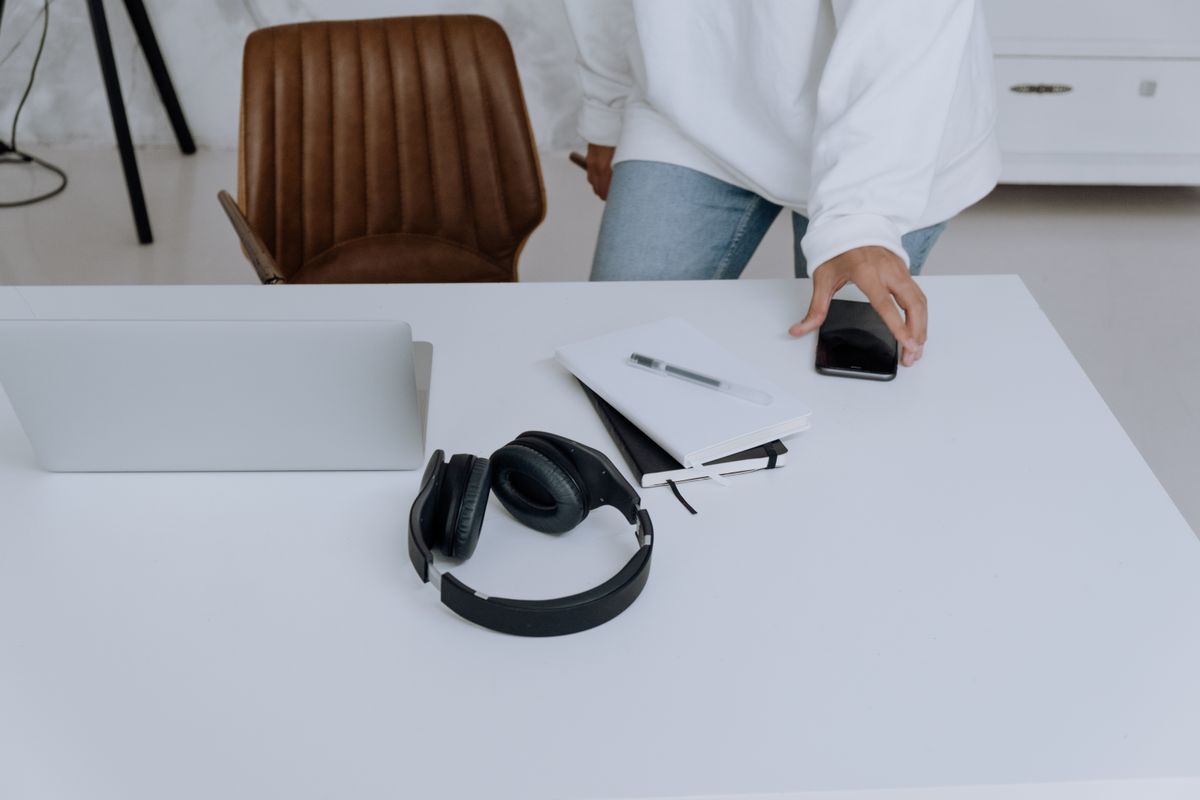
Build a sensible wired gaming audio setup around your room, console or PC ports, microphone needs, comfort, and cables instead of unsupported advantage claims.
Our advice is based on published information and the use cases explained below. Manufacturer links in this guide are ordinary links, not paid placements. How links work.

Wired headphones are useful when you want a predictable physical connection and no headset charging routine. Choose closed or open construction around the room you share, then verify the connection and microphone path for your platform. TechPixl Editorial would prioritize comfort and compatibility before accessories or processing marketed as a competitive advantage. No headphone purchase can promise better game results.
Start with the room, not the game genre
A player at a quiet bedroom desk has different needs from someone beside a partner watching television. Open-back headphones deliberately use a more open construction; the Sennheiser HD 560S is one documented example. That makes room sharing and sound leakage practical purchasing questions. Closed designs are worth considering when you want greater separation from nearby activity, although the exact fit and isolation still vary.
Think about the time of day too. A pair worn for a short lunch break may be comfortable enough, while the same clamping force or warm cushion becomes annoying during an evening session. Eyeglasses, room temperature, and head movement should be part of your fit assessment.
Follow the cable all the way to the platform
A headphone jack on a controller, a computer's rear output, and a USB audio adapter are different connection paths. Confirm which one you intend to use and whether the cable reaches comfortably without crossing a walking route. Check the plug size and any required adapter. A detachable cable is convenient only if a compatible replacement is actually available.
Also distinguish listening from speaking. Many conventional headphones have no microphone, and a socket that accepts stereo audio does not automatically provide a working microphone input. If you play with friends, map the chat connection before checkout. A separate USB microphone may suit a PC desk while requiring a different compatibility check on a console.
Keep power requirements proportional
Do not order an amplifier simply because an enthusiast discussion mentions impedance. Published impedance and sensitivity are useful information, but the complete source and headphone combination determines usable level. Begin by checking manufacturer recommendations and the output you already own. The HD 560S product page provides connection and technical details you can compare with your intended source.
If the present setup reaches an appropriate listening level without an obvious problem, another box may not improve the practical experience you care about. An external device adds cables, controls, and possible input-selection confusion. Buy it to solve an identified limitation rather than to complete a photograph of an ideal gaming desk.
Comfort is an ongoing feature
Check cushion material, adjustment range, weight, and replacement parts. A headband that fits when you sit upright may shift when you lean back. A long fixed cable can be useful at a desktop but cumbersome at a handheld device. Cable routing and a simple storage hook can matter more each day than a decorative lighting feature.
Look for return terms that allow a meaningful fit assessment. Avoid treating a product's 'gaming' or 'studio' label as evidence that it suits your head. Those labels describe intended markets, not a universal comfort standard. If the headphones are distracting, no amount of advertised detail will make a long session relaxing.
Be selective about audio processing
Games, operating systems, and accessory applications can each offer spatial processing or equalization. Enabling several at once can make it difficult to understand what you are hearing. Start with a simple signal path and follow the game's audio guidance. If you change a setting, compare it using a familiar scene at a consistent, modest volume.
Microsoft's audio troubleshooting guidance is useful when the wrong device or an enhancement setting causes problems on Windows. More generally, a driver problem or incorrect default output should be resolved before buying replacement hardware. Do not assume a new headset is the cure for missing chat audio or a muted application.
Choose the least complicated complete setup
For a quiet PC room, conventional wired headphones plus an existing microphone can be a flexible choice. For a shared room and frequent chat, a compatible wired headset may keep the system simpler. For a controller connection, cable length and microphone support deserve particular attention. The right answer depends on the actual platform and room.
Use the official specification page to verify the model, plug, and included accessories. TechPixl Editorial would buy comfort and a serviceable cable first, then add a microphone or adapter only when required. Treat claims of improved awareness or competitive performance as reasons to investigate carefully, never as a promised result of spending more.
Choose for the way you use it
| Use case | Look for | Tradeoff |
|---|---|---|
| Quiet private room | Comfortable open or closed design | Open construction can leak sound |
| Shared room | Suitable isolation and a clear chat path | Closed cups can feel warmer |
| Controller listening | Correct plug, cable length, microphone support | Output and compatibility vary |
Before you buy
- Confirm the exact controller or computer connection.
- Check whether a microphone is included or separate.
- Measure the cable route while seated normally.
- Look up replacement cables and cushions.
Common questions
Do wired headphones need charging?
Passive wired headphones do not need a headset battery for ordinary playback. Models with additional active features can have different requirements, so check the manual.
Will expensive headphones improve my ranking?
No purchase can guarantee that. Evaluate useful sound, comfort, communication, and platform compatibility rather than promises of a competitive result.
Sources & further reading
Official information consulted October 19, 2026. Buying recommendations and use-case judgments are TechPixl editorial analysis.